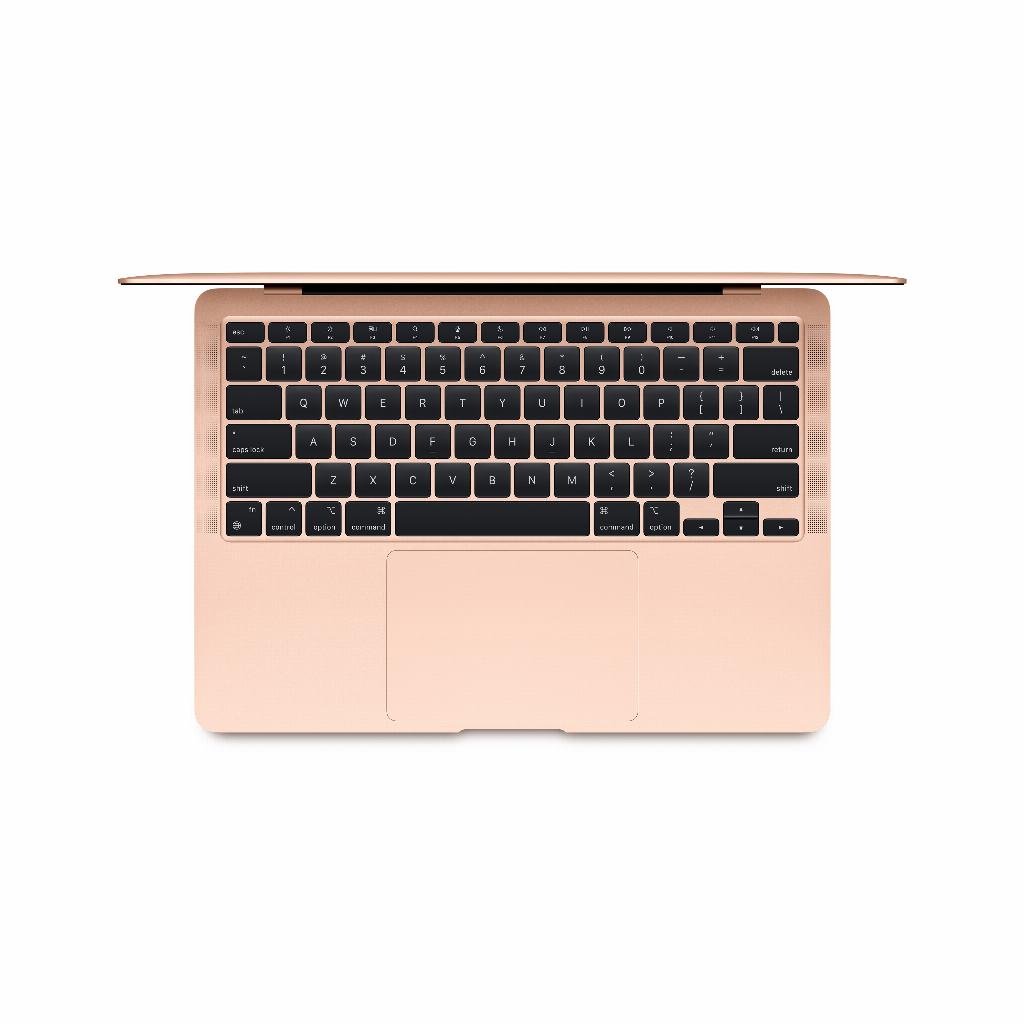
The costly mistake almost everyone makes when cleaning their MacBook screen
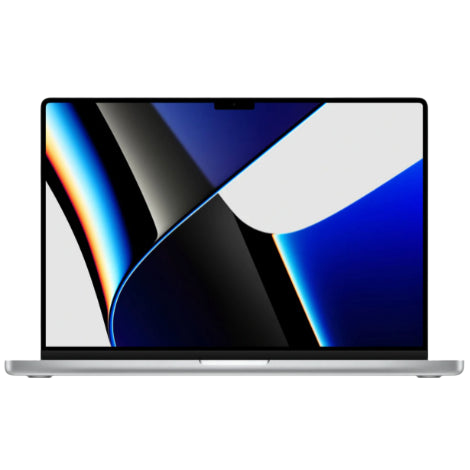
Fingerprints on your MacBook screen. Annoying. You grab a cloth, some water, and get to work. A quick wipe like you do with your glasses. Done. But wait a minute – almost everyone makes the same costly mistake when cleaning their MacBook screen. They treat it like ordinary glass, even though Apple's anti-reflective coating is very vulnerable to most cleaning agents. One wrong move with a paper towel or glass cleaner and you've caused permanent damage. Ironically, the people who clean most often are often the ones with the most damaged screens. The good news? With the right technique and suitable accessories, you can keep your screen looking new for years. Even if you place your AirPods on your MacBook as often as the average user.
Useful links
- Find the right cleaning accessories for your MacBook
- Discover our collection of refurbished MacBooks
- View our AirPods collection
The anti-reflective coating: why your MacBook screen is so vulnerable
Your MacBook's screen is not just a piece of glass. Apple equips all modern MacBook screens with a special anti-reflective coating that ensures you can work comfortably even in bright light. However, this coating is extremely sensitive to chemical substances. While an ordinary computer screen might withstand some rough handling, your MacBook's coating reacts to the slightest aggressive substance.
The coating consists of multiple microscopically thin layers that together provide less glare. As soon as you start using alcohol, ammonia, or even some types of soap, this protective layer literally dissolves. The result? Splotchy spots that look like grease stains but that you can never remove. This problem is especially noticeable with MacBooks from the 2012-2017 period, but newer models also remain vulnerable.
Common mistakes that cause permanent damage
The most common mistake is using paper towels. This seems soft, but it contains small wood fibers that act like sandpaper on the delicate coating. Even tissues are too rough. A second classic mistake is spraying liquid directly onto the screen. Moisture can seep between the screen and the casing, where it can cause a short circuit.
Using glass cleaner is also fatal. These products almost always contain ammonia or alcohol, substances that directly attack the anti-reflective coating. Disinfectant wipes are also out of the question, no matter how convenient they seem. The alcohol in them dissolves the coating, leaving you with a smudged screen within a few weeks.
Finally, many people make the mistake of rubbing too hard. With stubborn stains, the temptation to apply extra pressure is great, but this not only damages the coating but can also cause dead pixels.
The right materials for safe cleaning
For safely cleaning your MacBook screen, you only need two things: a microfibre cloth and distilled water. Microfiber cloths are specifically designed to pick up dirt without scratching. They do not contain rough fibers like paper or cotton.
Distilled water is essential because tap water contains minerals that leave streaks. In an emergency, you can use filtered water, but distilled water gives the best results. For stubborn stains, you can add a drop of mild soap, but only soap without lotions or perfumes.
Apple itself recommends using 70% isopropyl alcohol wipes for disinfection, but only for the casing, not for the screen. For the screen, water remains the safest option.
Step by step: the safe cleaning method
Always start by turning off your MacBook and disconnecting all cables. This not only prevents short circuits but also makes stains more visible on the dark screen. Wait a few minutes for the device to cool down, especially if you have just been working intensively.
First, dry wipe with a clean microfiber cloth to remove dust. Start in the corners where dirt often accumulates and work towards the centre. Use gentle, horizontal movements without applying pressure.
For stains, lightly dampen the cloth with distilled water. The cloth should feel damp but no water should drip from it. So wring it out thoroughly. Wipe horizontally across the screen again, this time from left to right over the entire surface.
Dry the screen immediately afterward with a dry microfiber cloth to prevent water streaks. Leave the MacBook open for at least ten minutes before turning it back on.
Prevention: how to keep your screen clean longer
The best maintenance is prevention. Touch the screen as little as possible. This sounds logical, but many people unconsciously point at things on their screen during conversations. Train yourself to point with the cursor.
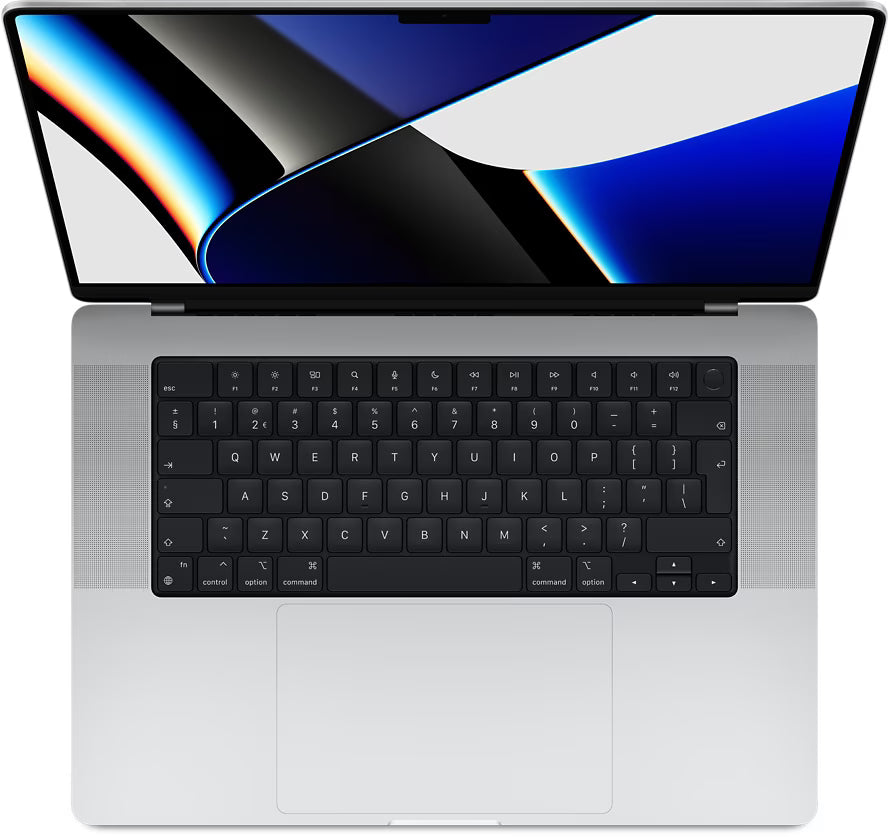
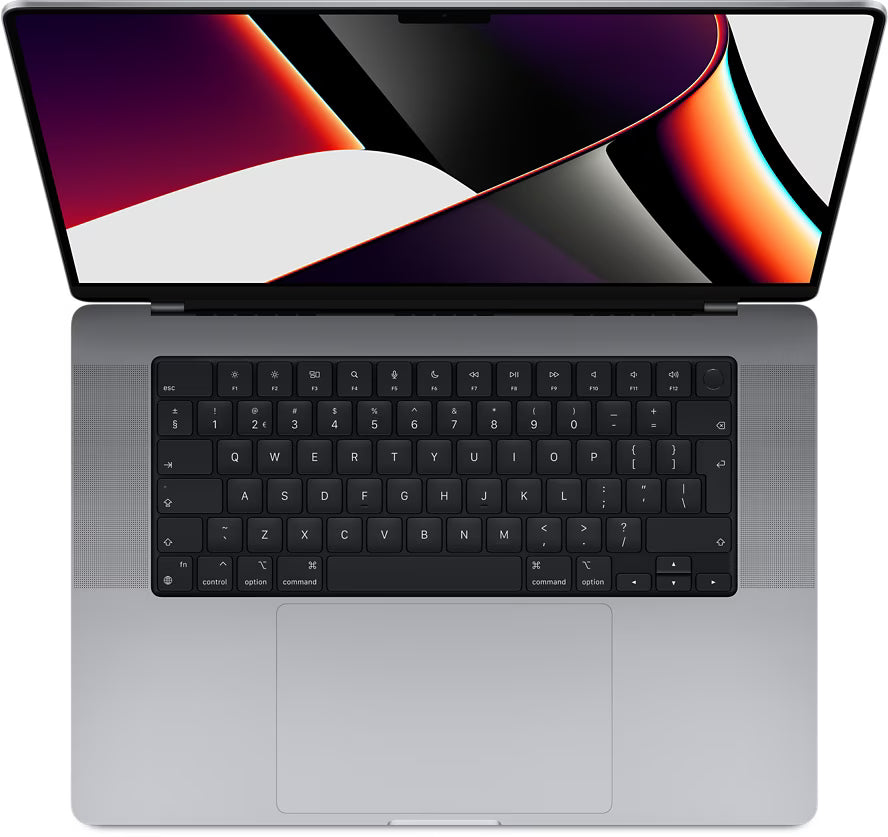
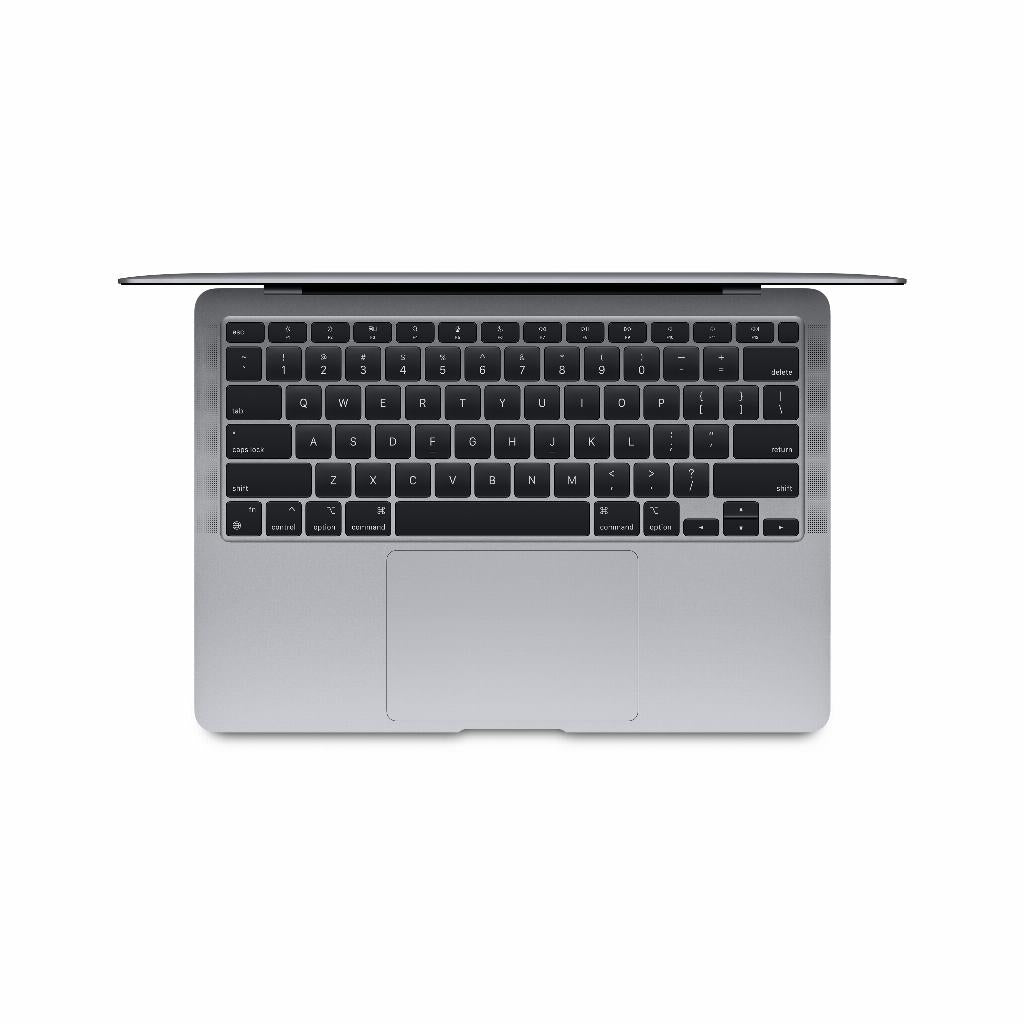
Close your MacBook carefully. The keyboard can press against the screen if you close it too hard, causing key marks. These are difficult to remove because they are greasy prints that penetrate deep into the coating.
Use a keyboard cover or place a microfiber cloth between the keyboard and screen when transporting the laptop. This not only prevents key marks but also protects against external pressure in your bag.
Do not eat or drink over your MacBook. Crumbs and liquids are the biggest enemies of electronics. A splash of coffee on the screen seems harmless, but the sugars and fats in it are difficult to remove without aggressive agents.
When to seek professional help
Sometimes the damage has already occurred. If you see stains that do not go away, even with the correct cleaning method, the coating is probably damaged. This often manifests as rainbow-coloured stains or dull spots that look like grease stains.
For MacBooks from certain production years, Apple offered a free repair program due to coating problems. Check if your model qualifies for this. Even if the warranty has expired, Apple may sometimes show leniency for manufacturing defects.
When replacing the screen outside of Apple, pay attention to the quality of the replacement screen. Cheap alternatives often do not have an anti-reflective coating or an inferior variant that damages more quickly. An original screen is more expensive but maintains the original quality of your MacBook.
Investing in the right accessories
A set of good microfiber cloths is a small investment that prevents major damage. Buy several so you always have a clean one on hand. Wash them regularly at a low temperature without fabric softener, as fabric softener leaves a residue that causes streaks.
Consider a screen protector if you travel a lot. Modern protectors hardly affect screen quality but do offer protection against scratches. They are especially useful if you often carry your MacBook in a crowded bag.
A bottle of distilled water specifically for electronics costs little and lasts a long time. Store it together with your cleaning cloths so you always have the right materials together. This prevents you from being tempted to quickly wipe with a kitchen towel.
Safely cleaning screens without risk
Cleaning your MacBook screen doesn't have to be a risky endeavor. With a microfiber cloth, distilled water, and especially patience, you prevent expensive repairs. Forget the glass cleaner and paper towels – your screen's anti-reflective coating deserves better care. Invest in the right cleaning accessories and make it a regular routine. This way, your MacBook screen will remain clear for years, without stains or damaged coating. Because a well-maintained screen makes the difference between years of working pleasure or an expensive replacement.