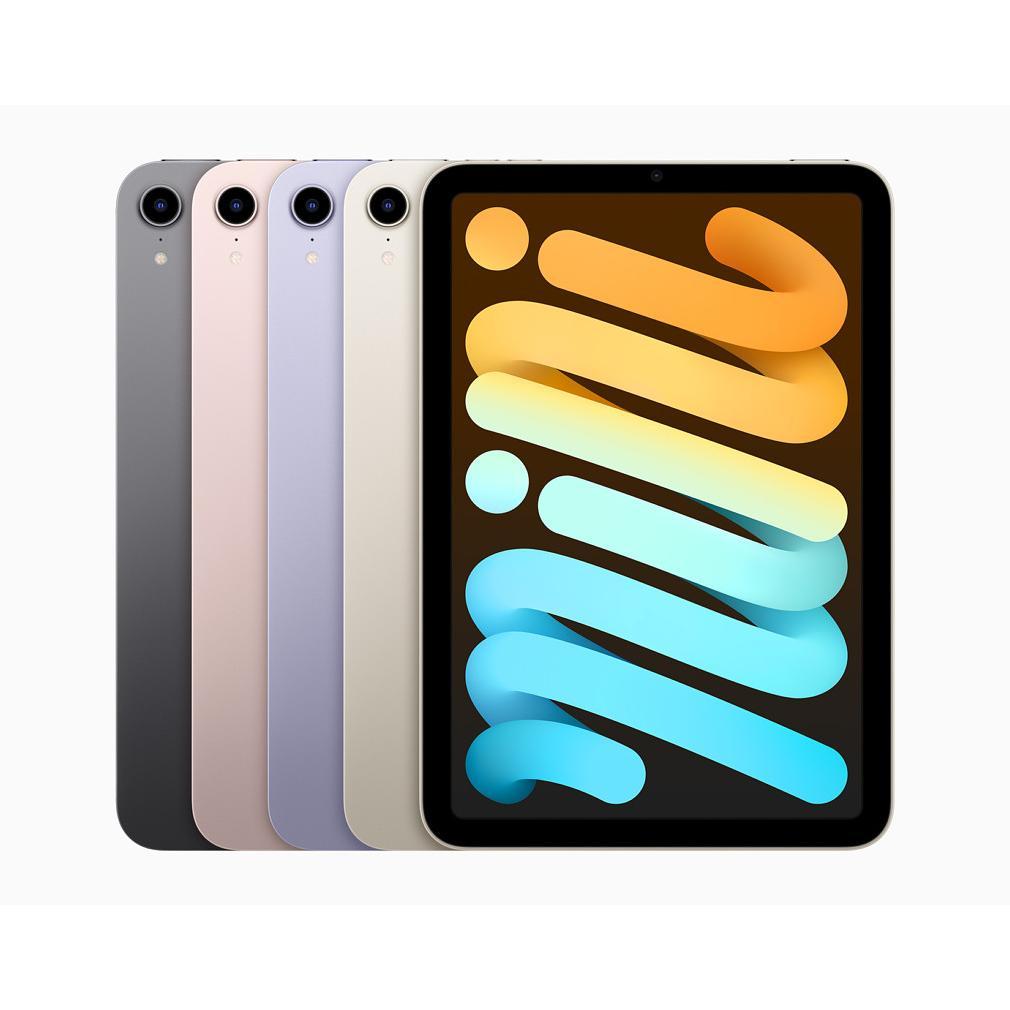
Why an iPad is more than just an expensive toy
A computer, smartphone, and a tablet? That feels like overkill. You already have everything you need on your phone and laptop. An iPad then just seems like a bigger screen for the same stuff. An expensive toy that you can't really do anything with that you're not already doing.
But this is where most people make a mistake.
An iPad isn't just a bigger smartphone or a smaller laptop. It's the device that precisely fills those annoying gaps you encounter daily. Following recipes while cooking without constantly tapping your phone screen. Video calling with your parents where they can really see you. Working through Excel files on the couch without that heavy laptop on your lap. The latest models even make multitasking easier than on your computer. These aren't luxury problems – these are daily annoyances that an iPad eliminates.
Useful links
The perfect screen size for every situation
A tablet precisely fills the gap between your smartphone and laptop. Where your phone screen is too small for comfortable reading and your laptop too bulky for the couch, an iPad offers the ideal compromise. With screen sizes ranging from 8.3 inches for the mini to 12.9 inches for the Pro models, there's a suitable size for every user.
This size makes the device particularly suitable for activities where your smartphone falls short. Think of reading newspapers and magazines, viewing building plans, or working through spreadsheets. The difference with a laptop? You hold the device like a book, can navigate directly with your fingers, and don't have to look for a mouse pad or table.
Kitchen assistant that can take a beating
In the kitchen, an iPad really proves its worth. The screen is large enough to follow recipes without constantly having to zoom, and the touchscreen even responds to slightly damp fingers – handy while cooking. Place the device in a stand on the counter and you have a perfect cookbook that never closes.
Modern models are also splash-proof (IP-rating), making them resistant to kitchen mishaps. Through apps like Kitchen Stories or Allerhande, you can synchronize your shopping list directly with your phone. This way, you always have what you need at hand in the supermarket.
Video calling without a hassle
For video calls, a tablet is superior to both a phone and a laptop. You don't have to hold the device like with a phone, leaving your hands free. At the same time, the camera can be placed at eye level without complicated constructions often required with a laptop.
The latest models feature Center Stage technology: the camera automatically follows you as you move. Ideal for conversations with children who won't sit still or if you walk around the room during a call. With image quality up to 12 megapixels and stereo speakers, it's as if your conversation partner is in the same room.
Entertainment for the whole family
A tablet transforms any space into an entertainment center. For children, educational apps and games are available that are specifically developed for the larger screen. Parental controls are easily managed via Screen Time, where you can set time limits per app.
Streaming services like Netflix and Disney+ offer offline download options, perfect for long car rides or flights. The battery consumption is remarkably efficient: modern iPads easily achieve 10 hours of video playback on a single charge. That's two to three feature films in a row without a charger.
Workhorse for productivity
With Split View and Slide Over, you can work with multiple apps simultaneously. Research in Safari while taking notes in Notes, or compare two documents side by side. These multitasking capabilities make an iPad more than just a consumption device.
For students and professionals, apps like GoodNotes and Notability are valuable. In combination with an Apple Pencil, you can digitize handwritten notes, which then become searchable. You can annotate PDFs directly and draw diagrams freehand. It replaces stacks of paper without losing the natural writing feel.
Specifications that matter
When choosing a model, some specifications are crucial:
- Storage capacity: 64 GB is sufficient for basic use, 256 GB or more for media files
- Wi-Fi or cellular: with a SIM card, you are not dependent on Wi-Fi networks
- Screen size: 8.3 inches for mobility, 11 inches as an all-rounder, 12.9 inches for professional work
- Processor power: M1 or M2 chips for heavy tasks, A-series chips for daily use
Sustainability and lifespan
A high-quality tablet lasts for years. Software updates are typically received for five to six years, keeping the device secure and up-to-date. The aluminum chassis is robust, and the screen is scratch-resistant. With a protective case and screen protector, the device survives most falls.
Refurbished models offer excellent value for money. These professionally reconditioned devices function like new at a fraction of the original price. For families with children or people who want to try out a tablet, this is a sensible choice.
Practical applications in daily life
The true added value of a tablet reveals itself in everyday situations. As a digital photo frame in the living room, as a second screen for your laptop during remote work, or as an on-board computer in the car with navigation and entertainment for the children in the back.
For seniors, the device is particularly valuable. The intuitive touchscreen is more accessible than a computer mouse, letters can be enlarged without loss of quality, and apps for memory training or medication reminders support daily routines. The long battery life means less hassle with chargers.
A tablet is not a luxury product but a practical tool that simplifies life. Whether you're following recipes, video calling with family, watching series, or working professionally – the device adapts to your needs. The investment pays for itself in ease of use, time savings, and the many annoyances it eliminates.
The practical value of an iPad
An iPad turns out not to be an expensive toy, but a practical addition to your household. The device solves daily frustrations that make your phone too small and your laptop too bulky. From following recipes to video calling, from entertainment to productive work - it fills precisely those gaps you're currently working around.
View the different models and discover which size suits your use. You'll recoup that investment in convenience and the irritations that will disappear for good.